Easy Tech Gifts for Elderly Parents (No Apps, No Learning Curve)
By Shivansh Joshi, Founder, Reca · 4 min read · Updated August 27, 2026
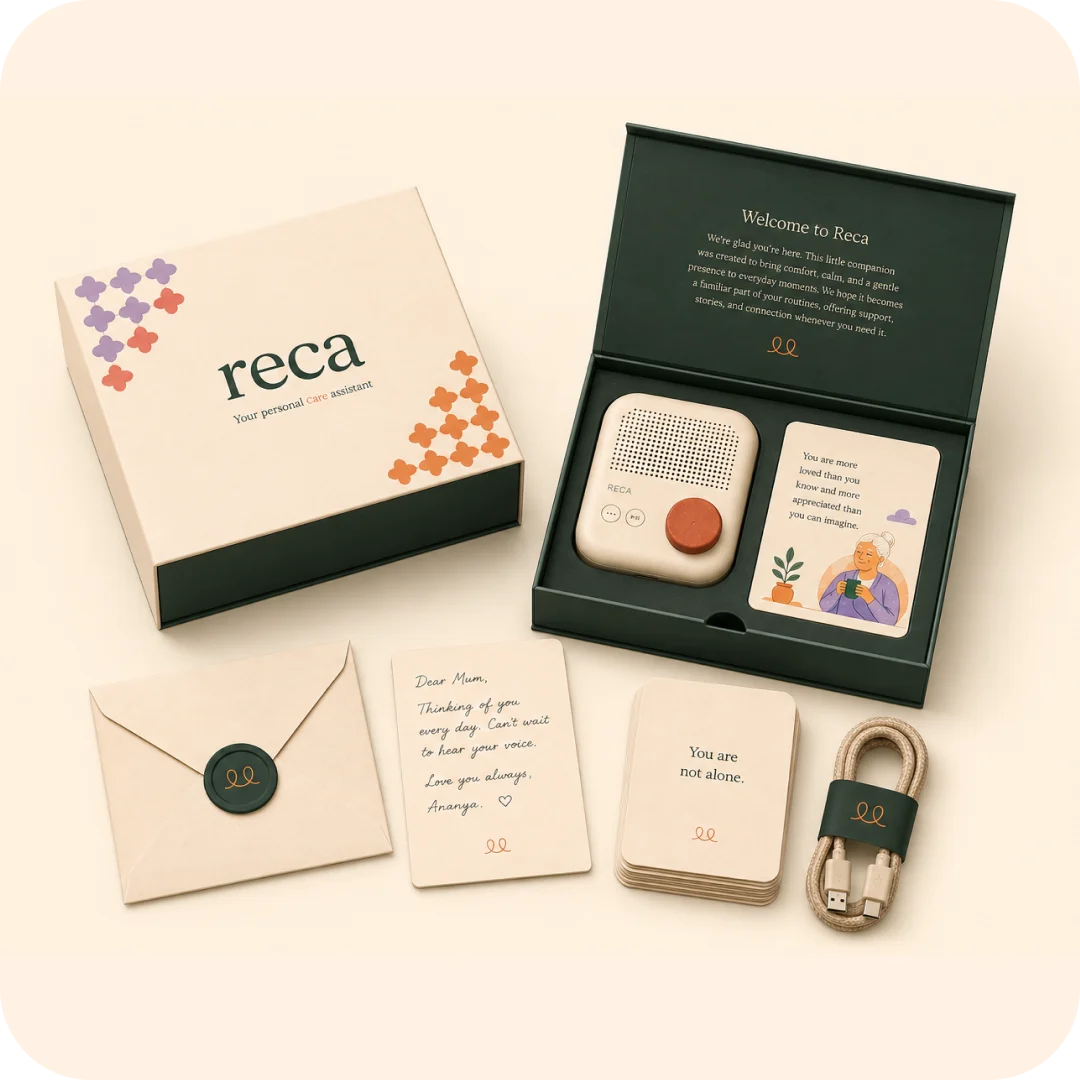
The short answer: the fastest way to waste money on an aging parent is to gift them tech that’s “easy for you.” If a device needs an app, an account, and a tutorial, it ends up in a drawer — Pew Research found 48% of seniors say they usually need someone else to set up or show them how to use a new electronic device, and 34% have little to no confidence using one at all (Pew Research Center). The real test of easy tech for elderly parents is simple: can they use it without calling you for help? These pass that test.
The golden rule: no app, no account, no learning curve
Favor devices that work the moment they’re plugged in, with big controls, clear sound, and as few steps as possible. One-button beats ten-menu every time. Research on smart-home tech for older adults backs this up directly: seniors are more likely than younger users to abandon a device in its first weeks if it demands ongoing setup or troubleshooting (PMC, smart technology adoption study) — the abandonment happens early, or not at all.
Easy tech gifts that actually get used
- A remote-update digital photo frame. You upload from your phone; they do nothing but look. No setup on their end. Perennial favorite for parents who live far away.
- A one-tap video-calling device. Built for elders — big buttons, no app maze. Removes the #1 reason calls don’t happen.
- A voice companion they just talk to. No wake-word gymnastics, no screen — natural conversation, reminders, company. (See voice assistant vs AI companion to choose the right kind.)
- A simple large-button phone with loud, clear audio.
- An automatic pill dispenser that reminds and dispenses — no app required.
- A medical-alert wearable that works at the press of a button.
What “easy” costs, roughly
| Gift | Typical range | Ongoing cost |
|---|---|---|
| Digital photo frame | Budget to mid | None, or small cloud fee |
| Large-button phone | Budget | Standard SIM plan |
| Automatic pill dispenser | Mid | None |
| Medical-alert wearable | Mid | Monthly monitoring (varies) |
| Voice companion | Mid to premium | Varies by maker |
Prices shift constantly and vary by market, so treat this as relative positioning, not a quote — check current pricing before buying.
Avoid (no matter how good the reviews)
- Anything that demands account setup, passwords, or app updates they have to manage.
- Tiny touch targets and low-contrast screens.
- Devices that nag for software updates.
Make any tech gift land
- Set it up fully before gifting — logged in, connected, ready.
- Write a one-page, large-font cheat sheet with photos.
- Do a calm first lesson together, then leave it working.
- Check back in a week, not just on gifting day — early friction is when abandonment happens.
The easiest tech of all is conversation
The lowest-friction device is one with no interface to learn — your parent just speaks, and it answers. For an Indian elder, that means talking in their own language, about their own world. That’s what we built Reca to be: a voice companion with nothing to master, made for Indian elders.
More in the best AI companion devices for seniors and the complete guide to gifts for aging parents.
FAQ
What’s the easiest tech gift for an elderly parent? A remote-update photo frame (zero setup on their end) or a screen-free voice companion (nothing to learn). Both work without the recipient managing apps or accounts.
How do I give tech to a parent who isn’t tech-savvy? Pick app-free, one-button devices; set them up completely before gifting; add a large-font cheat sheet; and do one calm lesson together.
Why do elderly parents stop using gadgets after a few weeks? Usually early friction, not disinterest — a confusing setup step, a forgotten password, or a software update that changes the interface. Research shows seniors abandon tech mostly in the first weeks of use, so removing friction upfront matters more than the gift itself.
Are voice companions actually easier than a tablet for elderly parents? Generally yes, if the companion is truly screen-free and app-free. A tablet still requires navigating menus and icons; a voice companion just requires speaking, which is why it tends to survive the “will they actually use it” test better than most gadgets.